

Casey Burridge
Recent Posts
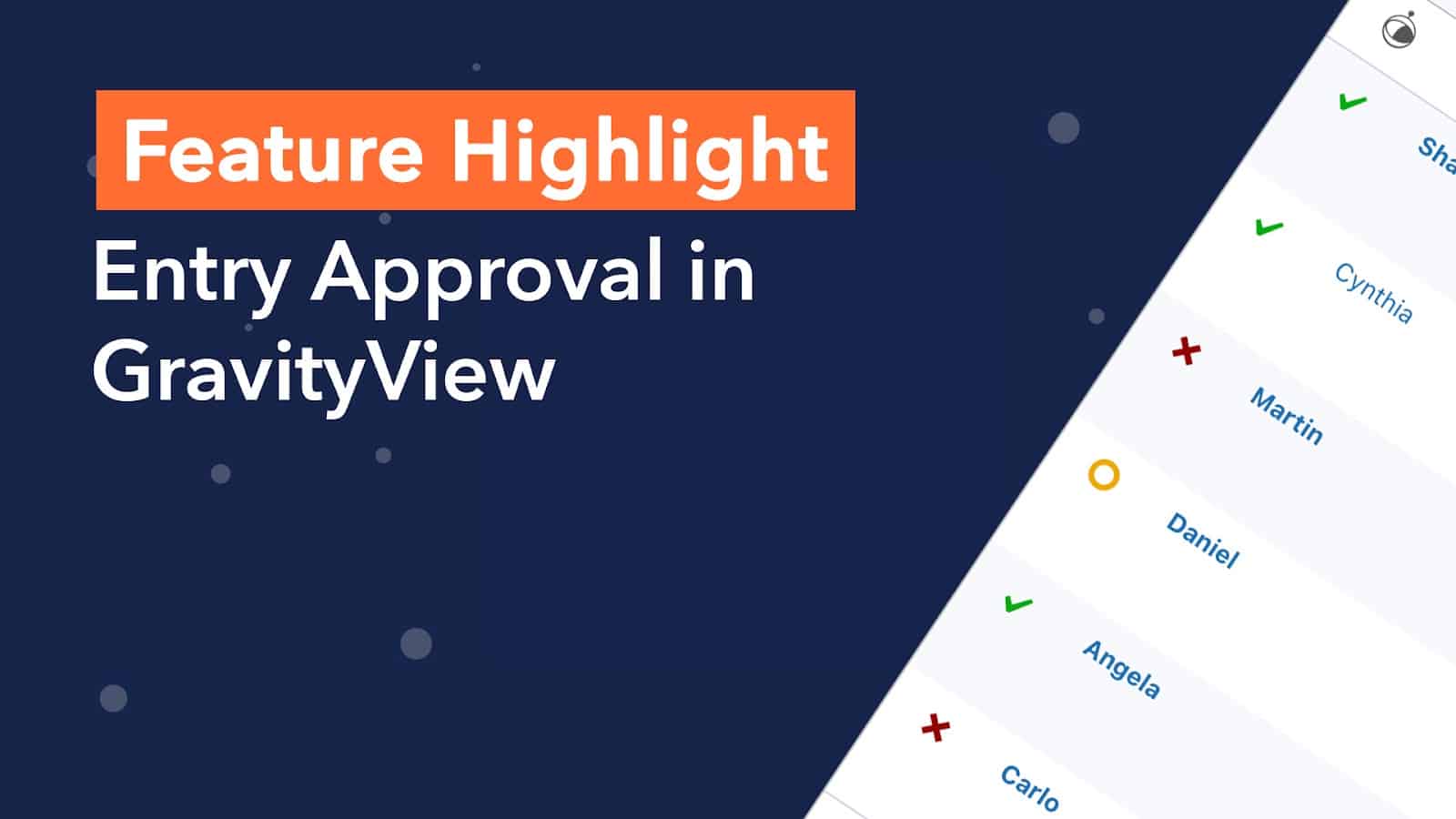
Feature Highlight: Entry Approval in GravityView
In this edition of Feature Highlights, we’re exploring entry approval in GravityView. This is a powerful feature for directories and other applications where you need to be able to approve entries before they show up in a View on the front end. There are…

The Ultimate Guide to Gravity Forms CRM Integrations
So you’re using Gravity Forms to collect customer data and capture new leads, and now you need a way to manage, track, and segment your contacts? Look no further than a CRM platform. A CRM allows you to gather information about your customers in…

What you need to know about the 6 best Gravity Forms alternatives
With so many WordPress form builders out there, it’s difficult to know which is the best option for your website or app. Gravity Forms is the first choice for many people as it’s easy to use and supports a wide range of powerful features….

Announcing Our New Demo Site: Try All Our Plugins for Free!
We’re excited to announce the launch of our new demo site (powered by InstaWP). You can now get access to your own free demo website preloaded with all the best Gravity Forms add-ons! We’ve also created several live demo applications to give you some…

Feature Highlight: Field Conditional Logic
In this edition of Feature Highlights, we’re exploring Field Conditional Logic in GravityView. Field Conditional Logic allows you to show/hide individual fields in a View based on conditions that you set. Field conditional logic is useful if you want to hide certain information from…
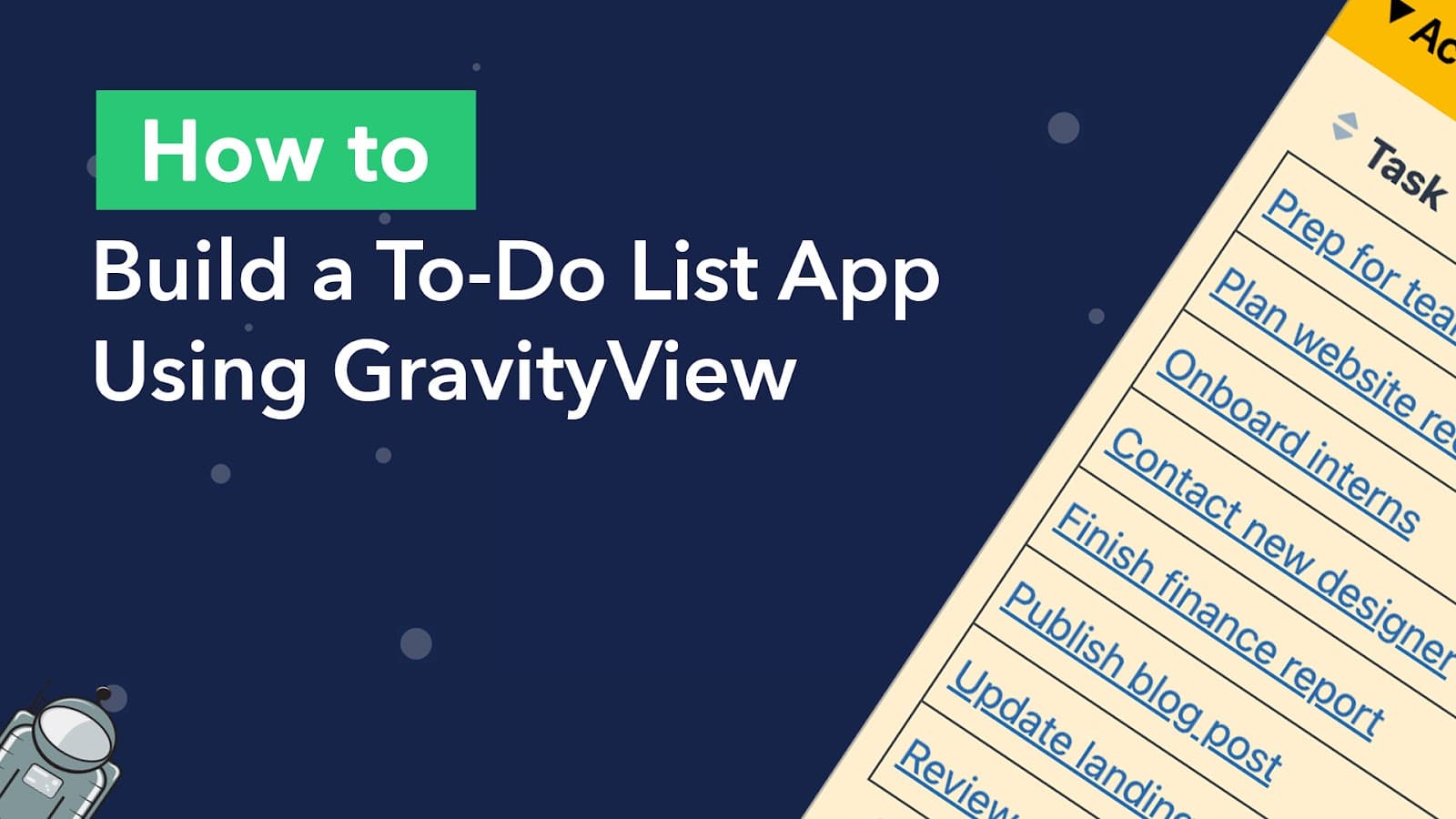
How to build a to-do list on WordPress using GravityView
A quick search for ‘productivity hacks’ reveals thousands of tips, ranging from planning your day ahead of time to listening to classical music while you work. But there’s one, simple productivity strategy that is a mainstay for the majority of successful people: keeping a…

The 7 Best WordPress Plugins for Nonprofits
Every nonprofit organization deserves to have a professional website that helps them attract new donors and achieve their mission. WordPress is the ideal website builder for nonprofits of all sizes – from single founders with small budgets to large organizations. However, to build the…
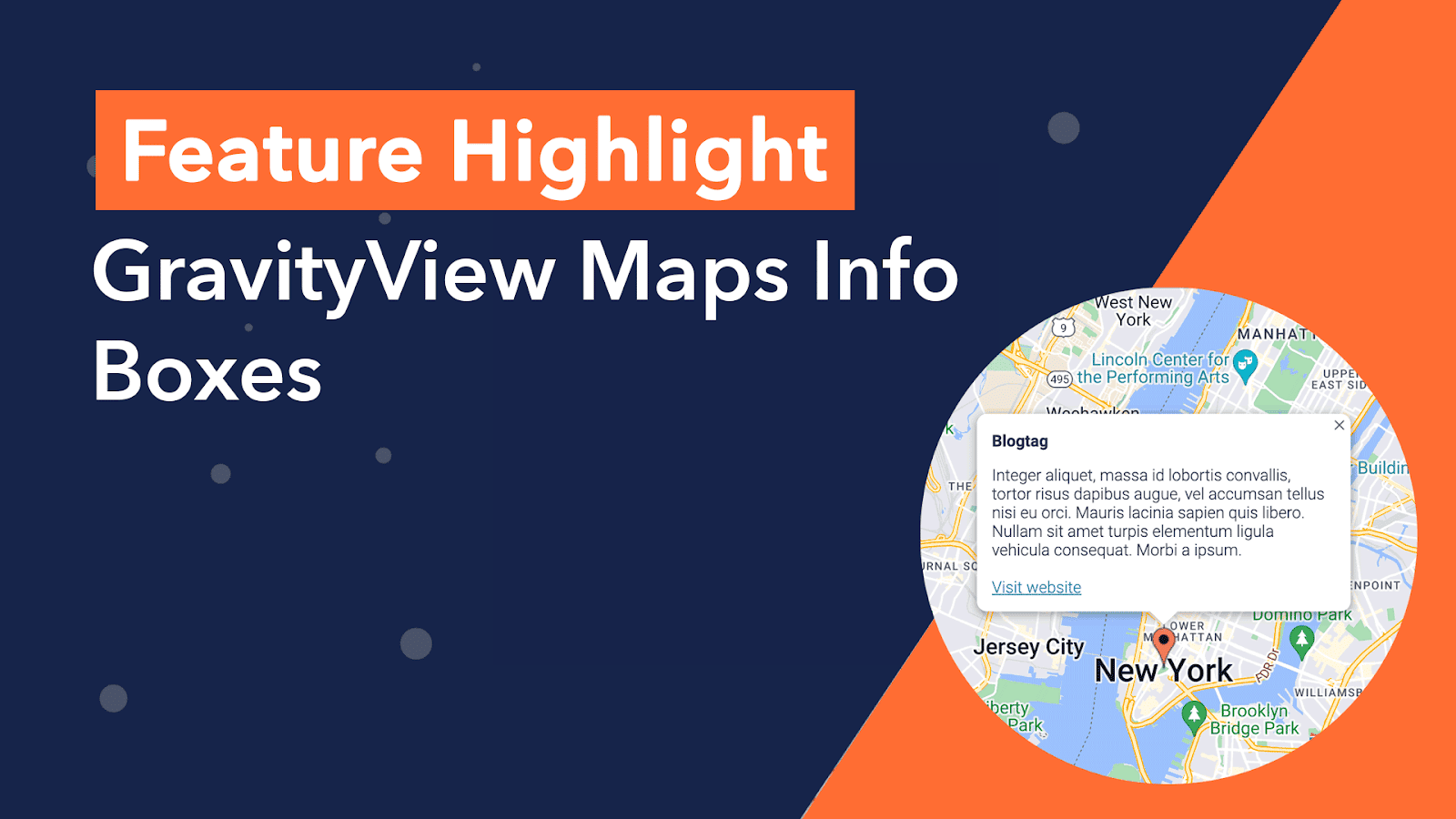
Feature Highlight: Maps info boxes
In this edition of Feature Highlights, we’re exploring the Info Boxes feature for the GravityView Maps layout. Info boxes allow you to display information about an entry when a user clicks on that entry’s map marker. Info Boxes are useful for displaying summary data,…

How to connect GravityKit with Make (Integromat) and put your business on autopilot
Make (formerly “Integromat”) is a visual, no-code platform for creating automated workflows and business processes. At the time of writing, Make integrates with over 1,200 different apps, allowing you to streamline your business operations so you can save time, energy and resources! In this…