
Products
GravityKit is a Gravity Forms certified developer that builds powerful add-ons for Gravity Forms. We are recognized in the Gravity Forms community for our quality development and excellent support.
Our flagship plugin, GravityView, allows you to display Gravity Forms entries on the front end of your website. Our Inline Edit plugin allows you to edit Gravity Forms entries faster and more efficiently and Import Entries provides an easy way to import data from a CSV file into Gravity Forms.
Learn about all of our different products and how to use them here.

GravityView vs wpDataTables: In-depth comparison
If you’re looking for a plugin that allows you to display Gravity Forms data on the front end, GravityView and wpDataTables are two possible solutions. You may be tempted to think of wpDataTables as a GravityView alternative, but is that really true? Both plugins…
![Feature Highlight: The GravityView [gvlogic] Shortcode](https://staging.gravitykit.com/wp-content/uploads/2022/05/image-17.png)
Feature Highlight: The [gvlogic] Shortcode
In this edition of Feature Highlights, we’re homing in on GravityView’s powerful [gvlogic] shortcode. The [gvlogic] shortcode allows you to show/hide content based on user inputs, restrict content on your site to logged-in users, and much more! If you’re new to GravityView, you’ll soon…
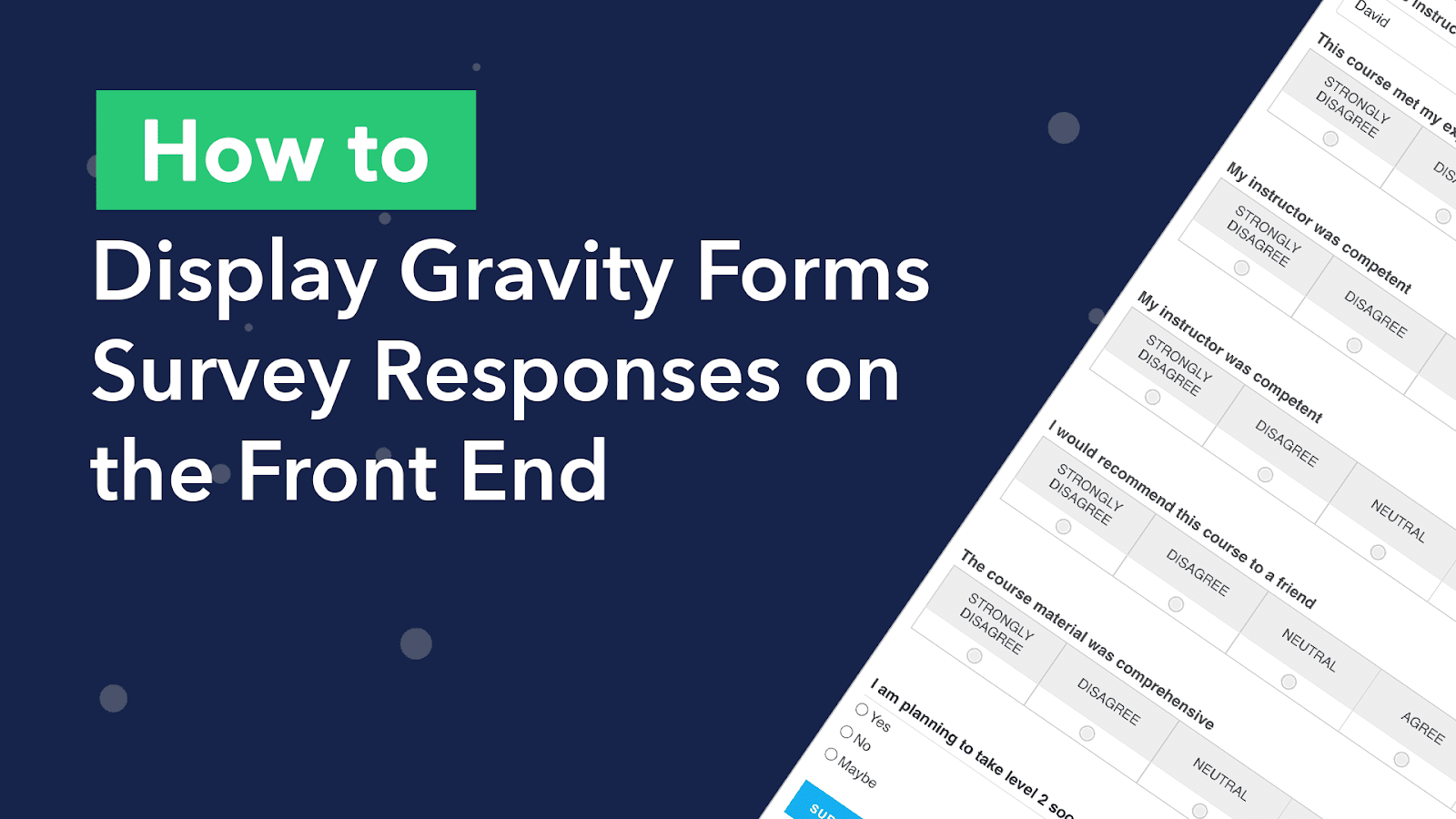
How to Display Your Gravity Forms Survey Responses on the Front End
Are you looking for a way to display your Gravity Forms survey responses on the front end of your website? The Gravity Forms Survey Add-On allows you to track the results of your surveys, but only from the backend. One way around this limitation…

Feature highlight: The GravityView Custom Content field
Welcome to Feature Highlights! In this new series, we’ll be exploring exciting features of GravityView and our related add-ons to help you get the most out of our plugins. In this edition, we’re looking at one of GravityView’s most powerful features – the Custom…
How to easily migrate from Kali Forms to Gravity Forms
Virtually all websites have one thing in common: forms! Choosing the right form plugin for your WordPress website is crucial. However, many people just install the first plugin they find without considering all of its features and functionality. Migrating to a new form plugin…
![Feature highlight: The [gv_entry_link] shortcode](https://staging.gravitykit.com/wp-content/uploads/2022/04/image-61.png)
Feature Highlight: Using the [gv_entry_link] Shortcode
Welcome to Feature Highlights! In this new series, we’ll be exploring exciting features of GravityView and our related add-ons to help you get the most out of our plugins. In this edition, we’ll be focusing on one of those powerful, yet often overlooked features…

How to integrate Gravity Forms with Google Calendar
Google Calendar is one of the most popular web-based calendar applications for tracking and scheduling events. In fact, it’s used by more than 500 million people worldwide! In this post, we’ll show you how to integrate Gravity Forms with Google Calendar using our GravityCalendar…

Feature highlight: Calendar subscription links
Welcome to Feature Highlights! In this new series, we’ll be exploring exciting features of GravityView and our related add-ons to help you get the most out of our plugins. And we’ll be kicking things off with… Calendar subscription links! 📆 In Gravity Forms Calendar…