
GravityView
Gravity Forms is the best WordPress form plugin, but sometimes you need to display form entries on the front end. That’s where GravityView comes in.
GravityView is a powerful add-on for Gravity Forms that allows you to display Gravity Forms entries on the front end. Display your entries using a variety of beautiful layouts, filter views, allow users to edit their own entries, and much more. Here you’ll learn about configuring new Views, how to display entries on a map or calendar, how to display user profiles, and more.
SEO for GravityView: The Ultimate Guide
Did you know that 68% of online experiences begin with a search engine? The purpose of a search engine, like Google, Bing, or DuckDuckGo, is to provide the best possible results based on the keywords you search for. Google alone processes billions of search…
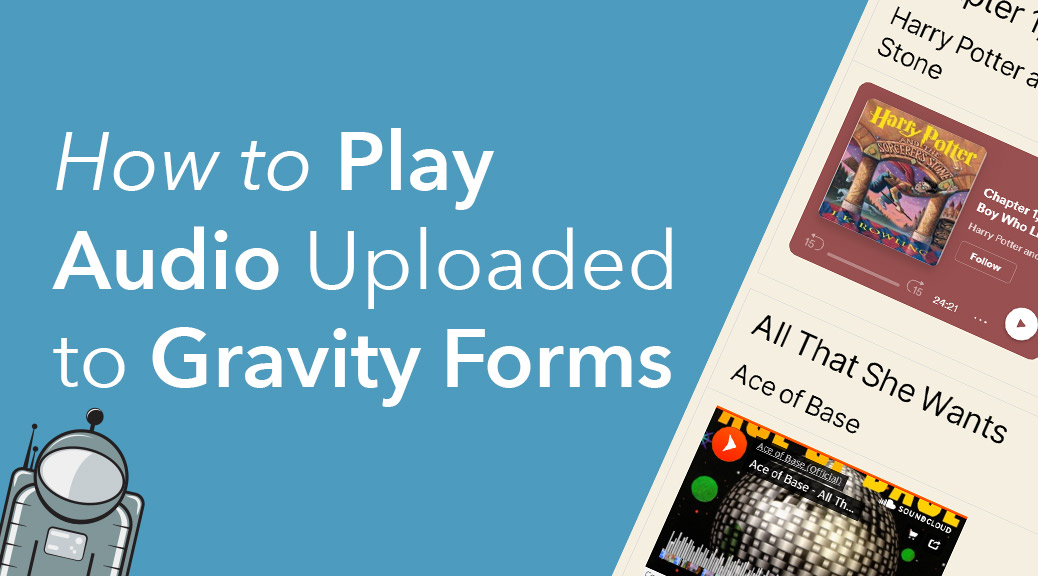
How to embed audio links from Gravity Forms submissions
GravityView is a powerful add-on that allows you to display Gravity Forms entries on your website. Using GravityView, you can display any type of data on the front end, including audio players for songs or podcasts. The Gravity Forms Website field allows you to…

How to embed videos uploaded to Gravity Forms
YouTube alone processes over 500 hours of newly uploaded video content every minute, showing just how popular online videos have become! Do you use Gravity Forms to collect video URLs? GravityView can help you embed those videos on the front end for easy viewing. …
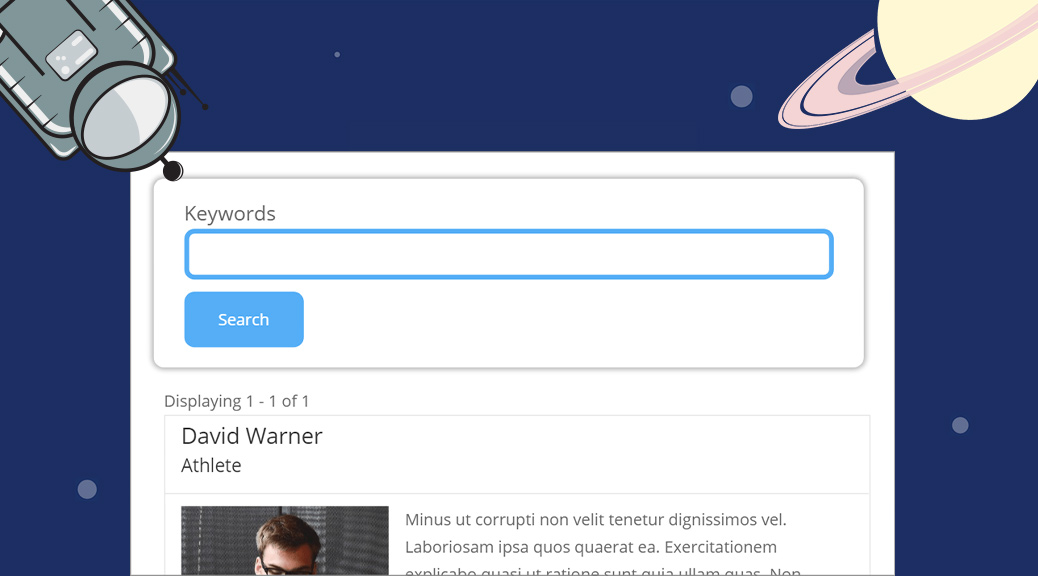
How to Style the GravityView Search Bar Widget
GravityView contains several widgets that you can add to your View to improve the way you navigate among entries. In this post, we’re going to show you how to style the GravityView Search Bar widget to help give your Views a more consistent look….
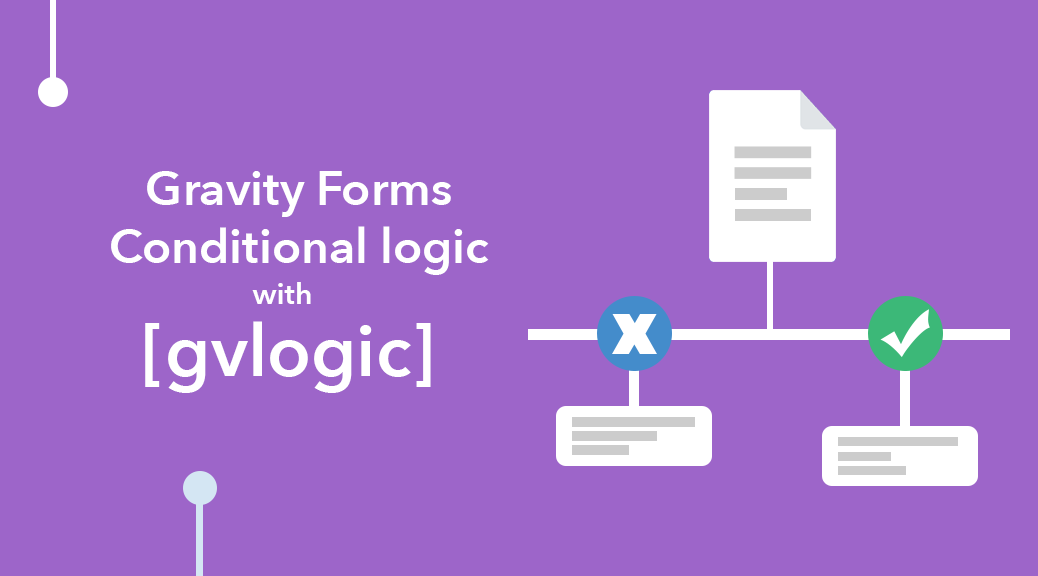
Gravity Forms: Conditional Logic Using [gvlogic]
Do you feel limited by the Gravity Forms conditional shortcode? Well, GravityView provides a more powerful shortcode that allows you to control what content you display depending on what the user enters in their submission. The [[gvlogic] shortcode can be used anywhere on your…
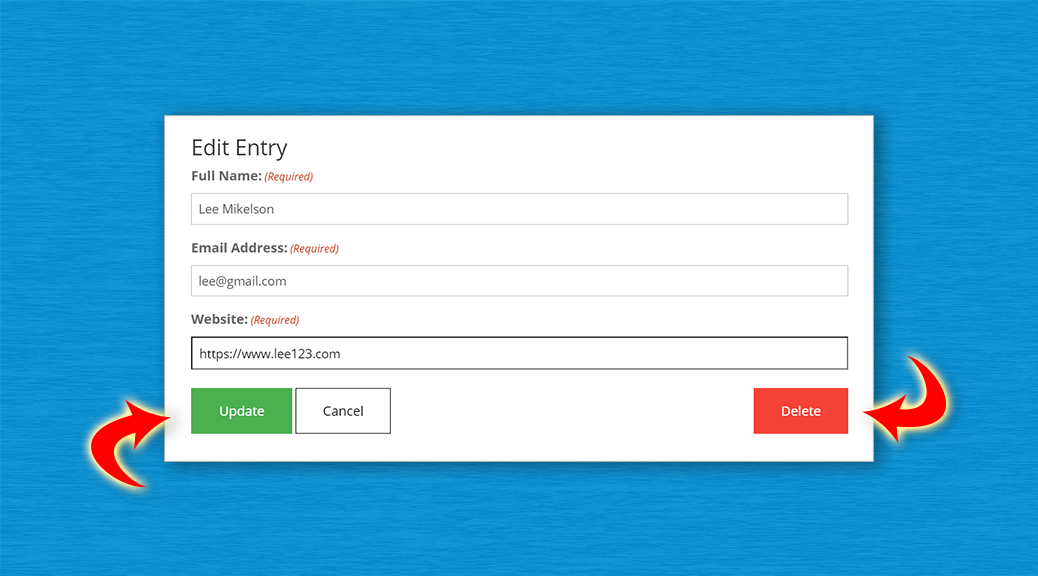
How to Style the Buttons on GravityView’s Edit Entry Page
GravityView’s Edit Entry page contains three buttons – “Update”, “Cancel” and “Delete”. We’ve added common CSS classes to the buttons to try and enforce consistent theme styling, but with some themes, like Divi for example, the buttons show up as plain HTML. This can…

Tutorial: How to Create an Online Marketplace Using GravityView
When it comes to GravityView, there are endless opportunities for creativity and innovation. Websites that would usually require a team of developers and cost thousands of dollars to build can be launched by one individual within weeks if not days. In this article, we’re…

GravityView 2.10 Refreshes the View Layout Experience
Check out this quick video summarizing all the new changes in GravityView 2.10! 🌼 Spring is in the air, and so is a major refresh to the GravityView editor! We’ve been busy at GravityView! We’re thrilled to release a major update to our View…