
Announcing GravityActions 1.4: Send bulk emails!
We’re excited to announce the release of GravityActions 1.4. This update sees support for bulk emails, allowing you to send emails to multiple recipients at once! GravityActions is an add-on for Gravity Forms that allows you to bulk update form entries. With this latest...

We’re excited to announce the release of GravityActions 1.4. This update sees support for bulk emails, allowing you to send emails to multiple recipients at once!
GravityActions is an add-on for Gravity Forms that allows you to bulk update form entries. With this latest release, you can now send bulk emails to form respondents with dynamic, personalized content. Let’s take a closer look at this powerful new feature!
How to send bulk emails
First, you’ll need to go to the Gravity Forms “Entries” page and select the respondents that you want to bulk email.
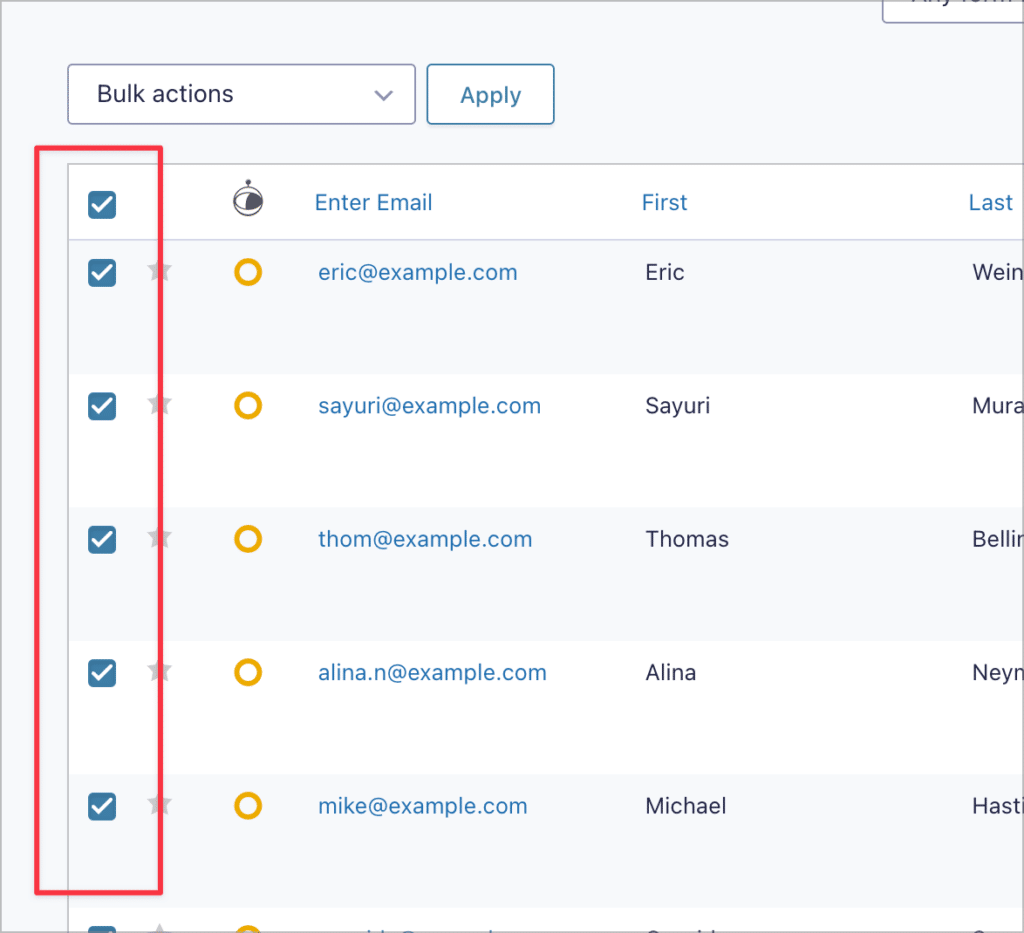
After that, click on the “Bulk actions” dropdown, select “Bulk Email”, and click “Apply”. A window will now open where you can draft your email.
You can add dynamic content to all input fields using Gravity Forms merge tags. Adding merge tags to the subject line and message body allows you to personalize your emails for each recipient.
Here’s an example of what that might look like:

Note that the “Send To” address can either be a user-submitted field in your form, or a custom address that you manually input!
After drafting your email, you can preview it by clicking “Preview Message”.
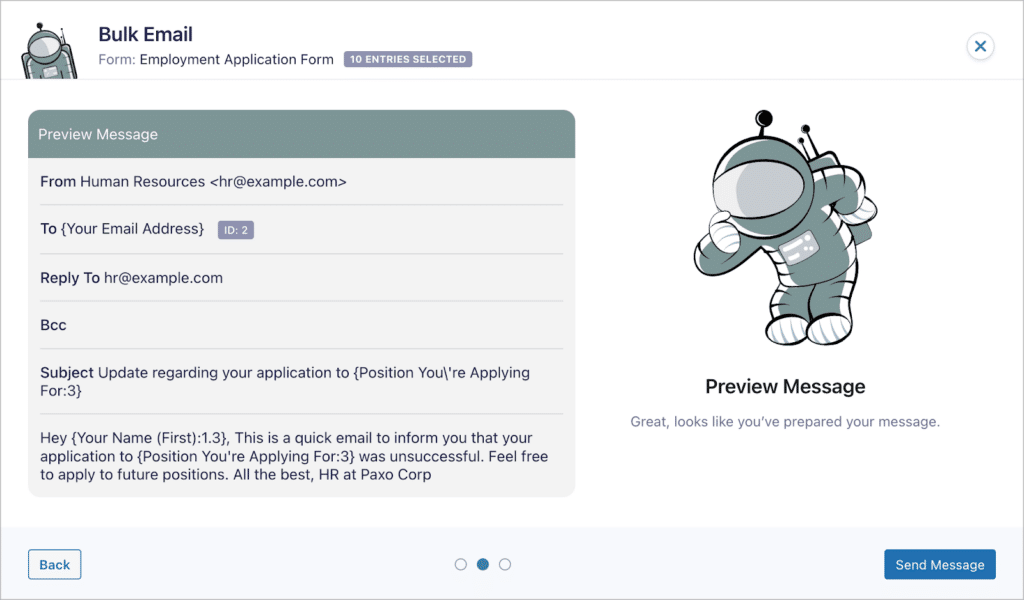
If you’re happy with everything, you can go ahead and click “Send Message” to send your email to the selected recipients.
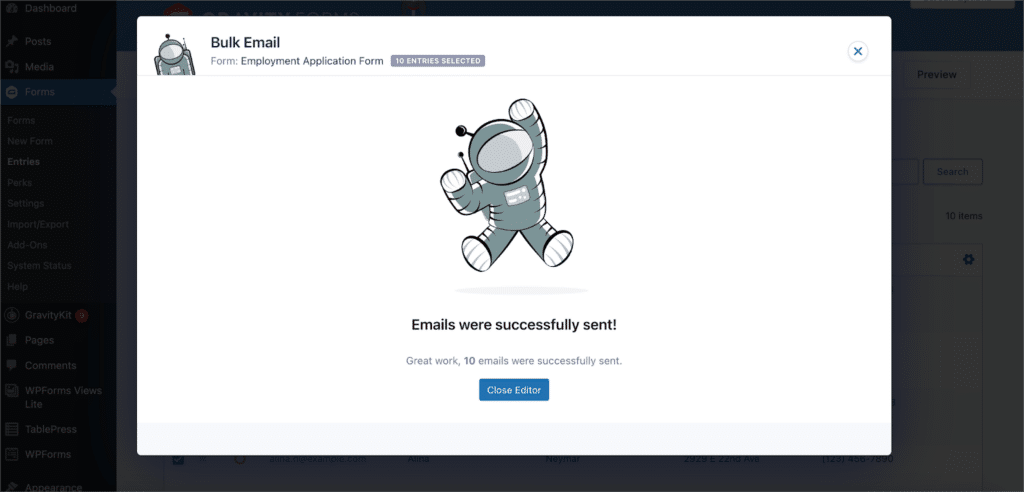
That’s it. As you can see, GravityActions 1.4 provides a seamless experience for sending bulk emails to form respondents. This is a powerful new feature for sending mass updates to newsletter subscribers, notifying job applicants, following up with your survey respondents, and more.
Update your GravityActions plugin today!
GravityActions 1.4 allows you to bulk update form entries. With this latest release, you can now send bulk emails to form respondents with dynamic, personalized content.
You can upgrade to GravityActions 1.4 from the “Manage Your Kit” screen (you’ll find the link under “GravityKit” in your WordPress Admin area). To see the full release, check out the official changelog.

Helpful tips right in your inbox.
Subscribe to our weekly newsletter for tips, special offers, and more!
Helpful tips right in your inbox.
Subscribe to our weekly newsletter for tips, special offers, and more!

Helpful tips right in your inbox.
Subscribe to get the latest articles, information on releases and helpful Gravity Forms tips!
More articles

Random Test
Let’s compare comparision with regular post

SHORTCODE TEST
Normal shortcodes akjdhajksd [gravityview id=”123″] asdasd [gvlogic] asdasd asdasd [gv_entry_link] asdasd Shortcodes with inline code akjdhajksd [gravityview id=”123″] asdasd [gvlogic] asdasd asdasd [gv_entry_link] asdasd Shortcodes escaped akjdhajksd [[gravityview id=”123″]] asdasd [[gvlogic]] asdasd asdasd [[gv_entry_link]] asdasd this is the [[gvlogic]] shortcode this is the [[gvlogic]]…

How to create a dynamic careers page on WordPress using GravityKit
In this tutorial, you’ll learn how to build a fully functional and user-friendly careers page using Gravity Forms and GravityView. We’ll walk through creating job listings, application forms, and admin views so visitors can browse open positions and apply directly, while hiring teams can…