
Meet info boxes for GravityView Maps
Good morning, info boxes! Sometimes it’s hard to get out of beta bed, but not when you have a release this good! Our Maps Premium View got a great update with Version 1.4: info boxes. Info boxes allow you to display information about an...

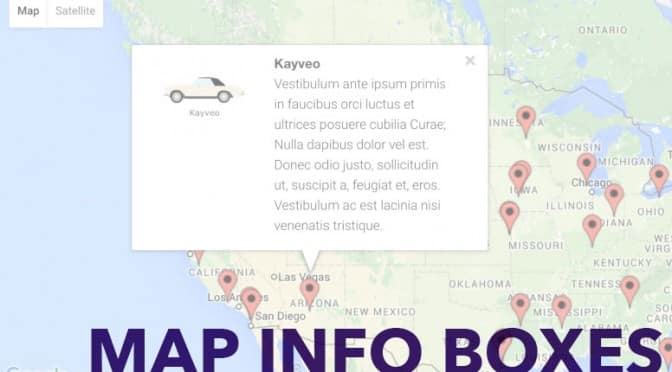
Good morning, info boxes!
Sometimes it’s hard to get out of beta bed, but not when you have a release this good! Our Maps Premium View got a great update with Version 1.4: info boxes. Info boxes allow you to display information about an entry on a map by clicking the entry’s marker. When you click the marker, an info box pops up.
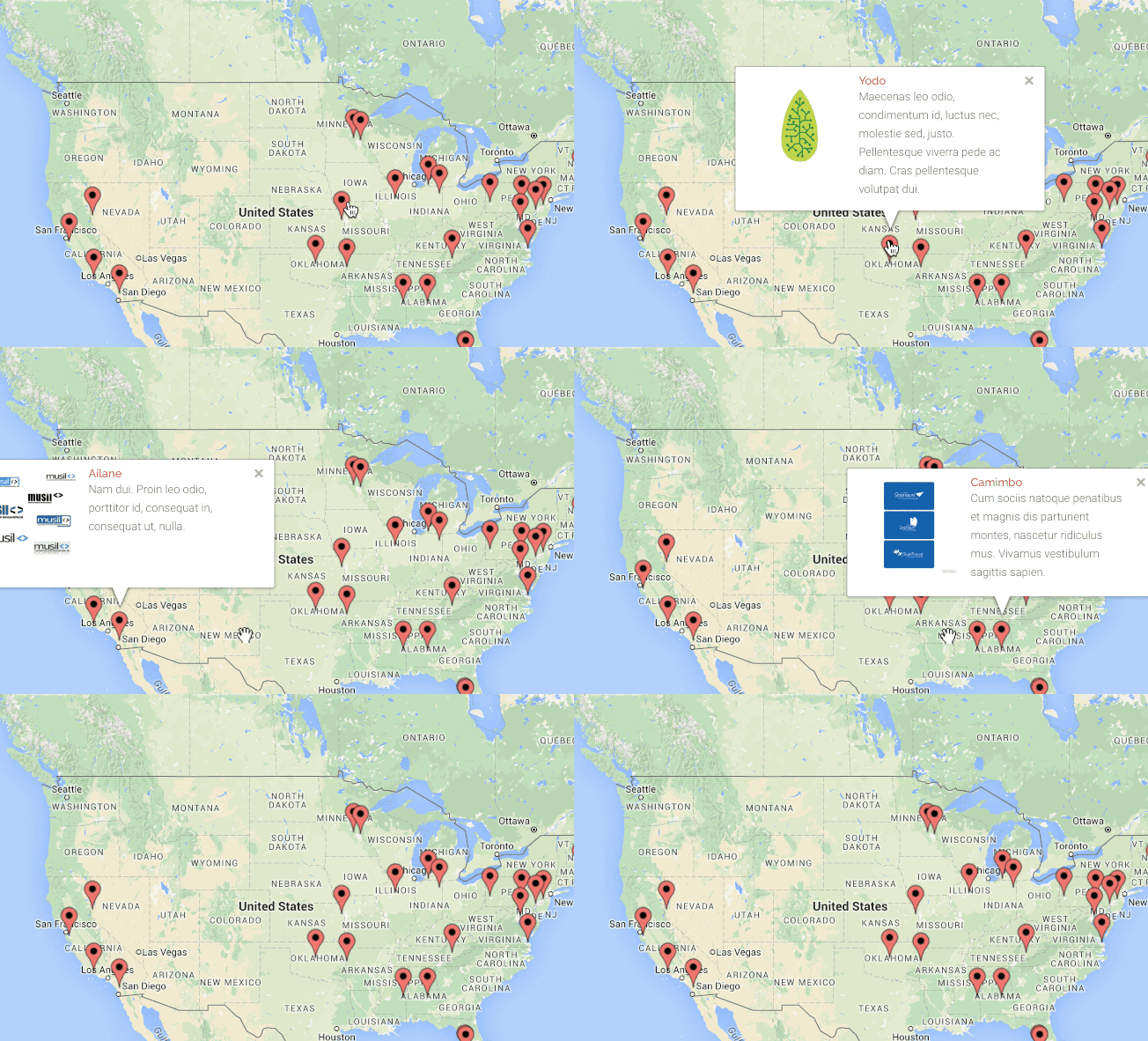
GravityView Maps is Gravity Forms plus Google Maps
With info boxes, GravityView Maps is a full-featured Google Maps integration for Gravity Forms. It’s a great way to display your Gravity Forms entries on a map. Maps comes with a GravityView All Access license and is available for download now. We’ve got great features planned and in the works that make Maps more powerful. We look forward to sharing them with you!

Helpful tips right in your inbox.
Subscribe to get the latest articles, information on releases and helpful Gravity Forms tips!
More articles

Random Test
Let’s compare comparision with regular post

SHORTCODE TEST
Normal shortcodes akjdhajksd [gravityview id=”123″] asdasd [gvlogic] asdasd asdasd [gv_entry_link] asdasd Shortcodes with inline code akjdhajksd [gravityview id=”123″] asdasd [gvlogic] asdasd asdasd [gv_entry_link] asdasd Shortcodes escaped akjdhajksd [[gravityview id=”123″]] asdasd [[gvlogic]] asdasd asdasd [[gv_entry_link]] asdasd this is the [[gvlogic]] shortcode this is the [[gvlogic]]…

How to create a dynamic careers page on WordPress using GravityKit
In this tutorial, you’ll learn how to build a fully functional and user-friendly careers page using Gravity Forms and GravityView. We’ll walk through creating job listings, application forms, and admin views so visitors can browse open positions and apply directly, while hiring teams can…