
We have new license names!
Introducing our new plan names Today, we’re changing our plan names to be clearer: GravityView Core – Access to the GravityView plugin. Previously known as “Sol”. Core + Extensions – GravityView Core, plus our Premium Extensions. Previously known as “Interstellar”. All Access – Full...

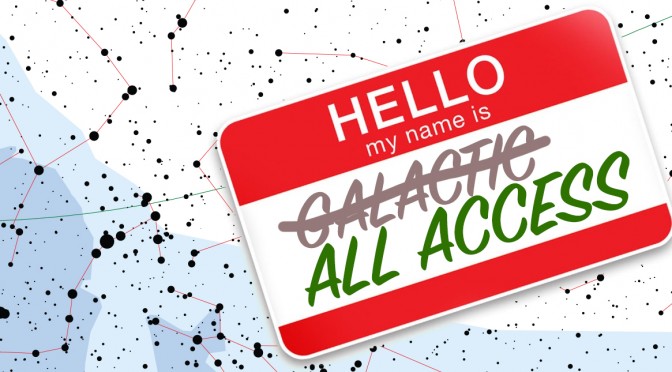
Introducing our new plan names
Today, we’re changing our plan names to be clearer:
- GravityView Core – Access to the GravityView plugin. Previously known as “Sol”.
- Core + Extensions – GravityView Core, plus our Premium Extensions. Previously known as “Interstellar”.
- All Access – Full access to all the plugins we make here at GravityView. Previously known as “Galactic”.
The plans haven’t changed
Today’s re-naming of the plans does not affect what is included in the plan. The only thing that has changed is the names. If you have a GravityView license, you will continue to have access to the same downloads you did before.
Why change the names?
When we launched GravityView in 2014, we had license names we thought were fun:
- “Sol” was just GravityView for a single site, and the name of our sun
- “Interstellar” was for multiple sites, also multiple stars
- “Galactic” included everything we offered, just as galaxies include many stars
We thought that was clever, but our license names weren’t clear. As a company, we strive to make our product easier to use, so when we realized the names were confusing (I’m sorry it took us four years!), we updated the names. If you have any questions about the name change (or anything else!), get in touch with us at hello@gravitykit.com. I’d love to hear from you.

Helpful tips right in your inbox.
Subscribe to get the latest articles, information on releases and helpful Gravity Forms tips!
More articles

Random Test
Let’s compare comparision with regular post

SHORTCODE TEST
Normal shortcodes akjdhajksd [gravityview id=”123″] asdasd [gvlogic] asdasd asdasd [gv_entry_link] asdasd Shortcodes with inline code akjdhajksd [gravityview id=”123″] asdasd [gvlogic] asdasd asdasd [gv_entry_link] asdasd Shortcodes escaped akjdhajksd [[gravityview id=”123″]] asdasd [[gvlogic]] asdasd asdasd [[gv_entry_link]] asdasd this is the [[gvlogic]] shortcode this is the [[gvlogic]]…

How to create a dynamic careers page on WordPress using GravityKit
In this tutorial, you’ll learn how to build a fully functional and user-friendly careers page using Gravity Forms and GravityView. We’ll walk through creating job listings, application forms, and admin views so visitors can browse open positions and apply directly, while hiring teams can…