
Enhance GravityView’s core capabilities
Introducing GravityView + Extensions: Enhance GravityView with our premium Extensions


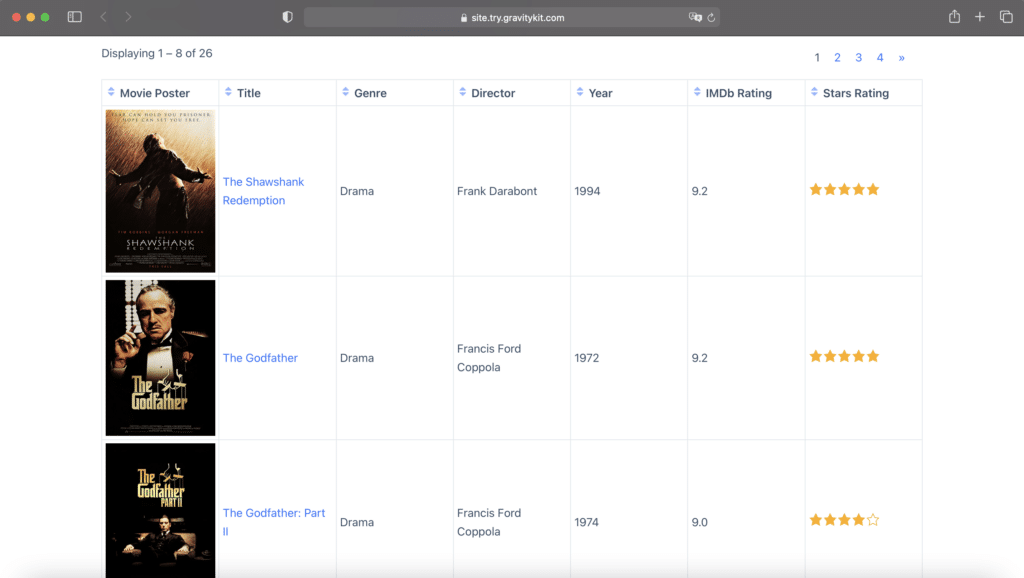
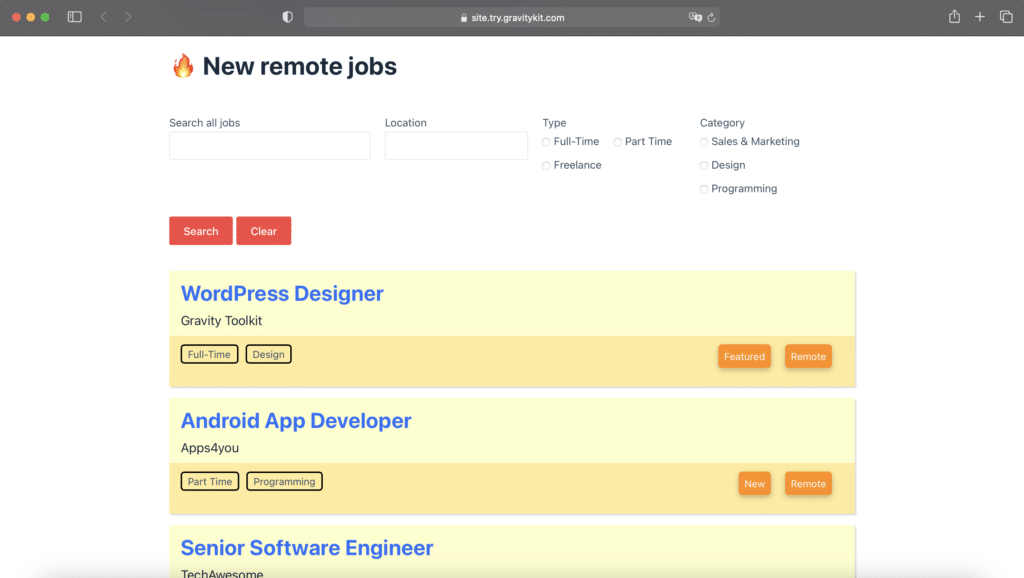
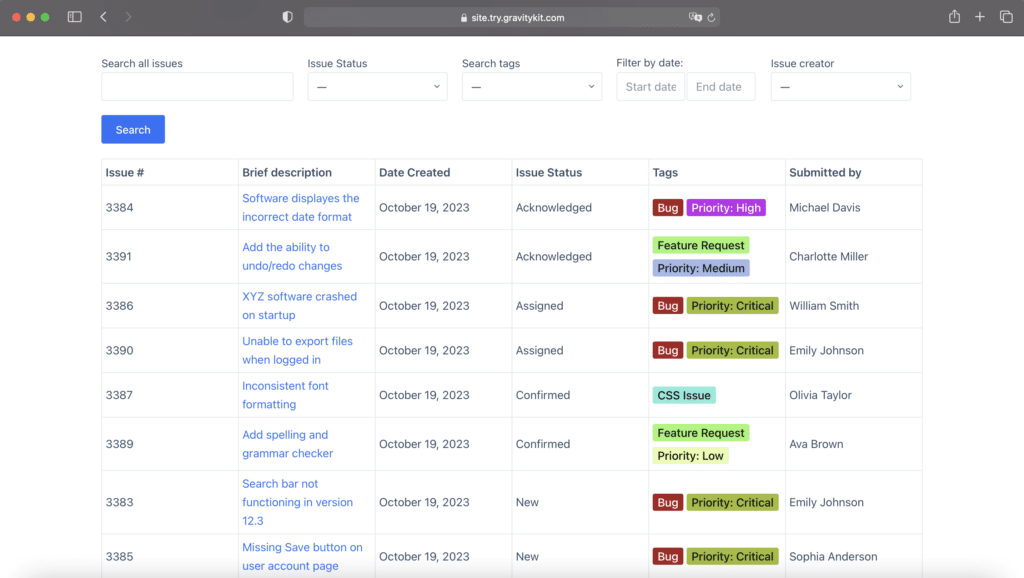
What’s included in GravityView + Extensions?
GravityView + Extensions includes GravityView plus premium Extensions

Multiple Forms
Display entries across multiple forms. Connect multiple forms where field values match.


A-Z Filers
Make it easy for users to view entries using a list of links from A-Z.

Features Entries
Highlight entries in your View by adding Featured Entries.

Social Sharing & SEO
Add social sharing buttons to Views and boost your SEO.

Advanced Filters
Gain finer control over which entries are displayed in a View.
Hear from our existing customers
GravityView is trusted by web agencies, freelancers, developers, nonprofits, educational institutions, and other WordPress users
It’s very easy to get started with GravityView, and it’s really powerful for displaying data in a variety of ways. I haven’t needed support often, but when I did, GravityKit support professionals were responsive and very helpful.

Jeff Price
Marketing Director, JAXPORT
GravityView has also evolved. In the short time I’ve been using it, it just keeps getting better at a very rapid rate. Like I said, I can’t imagine not using GravityView on a WordPress site that collects any amount of data at all.

Dan Muhlenkamp
Founder, Arena Success Group
GravityView is the most impressive plugin we’ve used by a long margin — we would recommend it without hesitation. This couldn’t be more genuine — any new website we build in the future, GravityView will be our go-to.

Emily Moore
Head of Production, Dragonfly Productions
I think there are a lot of mid-sized companies that don’t have a huge amount of IT resources or don’t have a need for an enterprise-level SaaS. In this case, GravityView is the perfect solution as it provides complete flexibility and total control over the data.

Nicolas Johansson
Digital Manager, Pieroth
GravityView is saving us so many hours of development time! It’s tremendously worth the price.

Michael Kastler
Founder, 43Folders Technology Solutions
GravityView is affordable, with great customer service. The plugin is also constantly improving. I am in awe of how easy it was to create a fully functioning system at the fraction of the cost of other SIS systems (Student Information Systems) on the market.

Rochelle Victor
Web developer
Frequently asked questions
About GravityView + Extensions
GravityView Pro includes GravityView plus Extensions and Layouts. GravityView + Extensions does not include Layouts. If you want access to the Maps, DataTables or DIY Layouts, you will need GravityView Pro.
Yes, you can. However, you may want to look into GravityView Pro instead, which offers access to premium Layouts as well. If you only want Extensions, not Layouts, feel free to upgrade to this tier. To upgrade your license, ensure you’re logged in, then click the “Start Building with GravityView + Extensions” button on this page.
An “Extension” is a plugin that adds additional features to GravityView. For example, our Ratings & Reviews extension allows you to comment on and rate entries in a View. A “Layout” is a template for displaying your form entries on the front end. For example, the Maps layout allows you to display entries as markers on a Google Map.
You bet! Views include a settings panel for adding custom CSS/JS code.
Yes. You can accomplish this using the Advanced Filtering Extension.
Have a question that isn’t addressed here? Ask our support team!
Enhance GravityView’s core capabilities
You must log in to submit a review.