
How to display entry revisions on your website
The GravityRevisions plugin allows you to display entry revisions within a View on the front end of your website.
We will use GravityRevisions Merge Tags and a Custom Content field to show changes to entries. To get started, edit your View then:
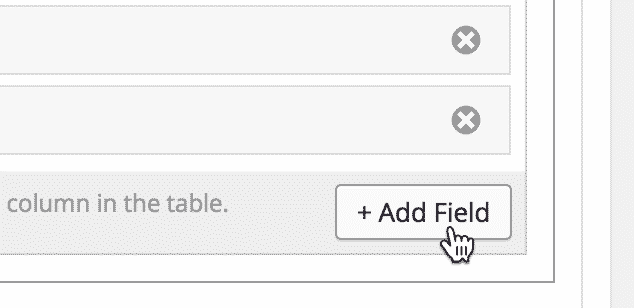
Click the “Add Field” button #
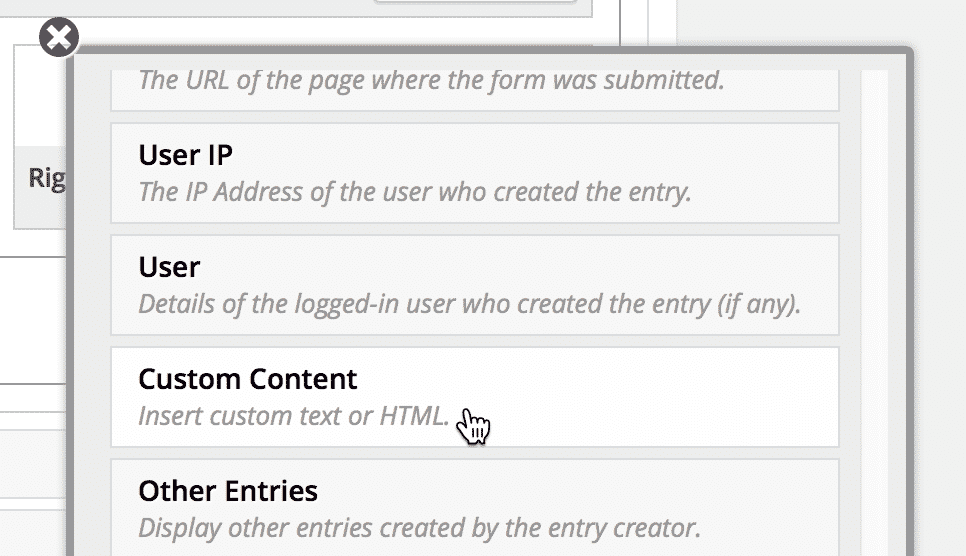
Scroll down and click on the Custom Content field #
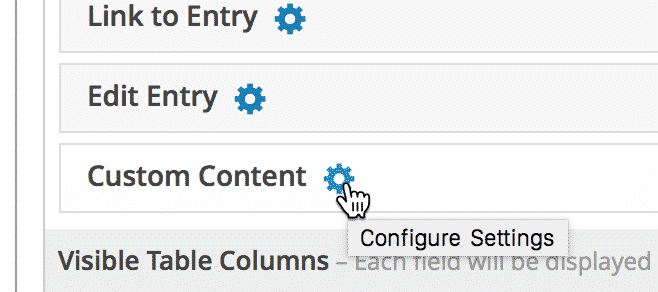
Click on the gear icon to configure the Custom Content field #
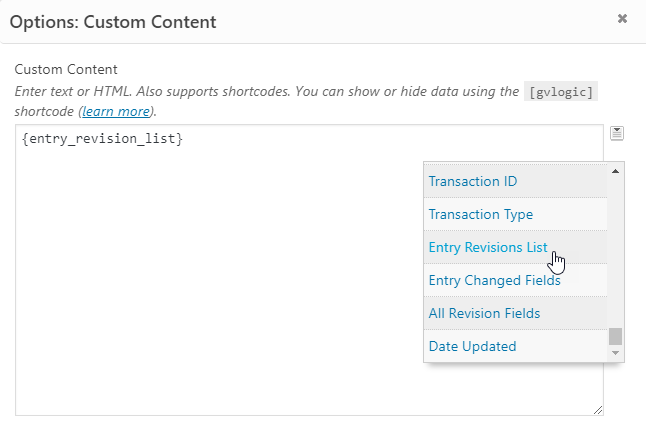
Add an Entry Revisions Merge Tag in the Custom Content box
Click the Merge Tags icon to the right of the Custom Content area to show a dropdown with all available merge tags. In this example, we selected the Entry Revisions List tag, one of the available GravityRevisions Merge tags, which will display a list of changes made to an entry over time.
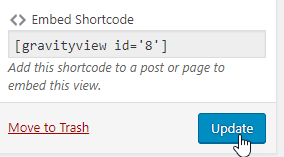
Save or Update your View
Revisions are now visible on the front-end
Each change displays a thumbnail-sized image of the user who made the change, the date the change was made, and a link to restore the entry values from that change.


