
Education Use Cases
With GravityKit, you can build just about anything!

New Release: Introducing Entry Revisions 1.1
We’re pleased to announce the release of Entry Revisions 1.1! This new release allows you to add revisions for edits made using our Inline Edit add-on. This update goes hand in hand with our recent release of Inline Edit 1.5 so be sure to…

New Release: Introducing Inline Edit 1.5
We’re pleased to announce the release of Inline Edit 1.5! This update sees support for Entry Revisions, the ability to disable inline editing for specific fields, and a host of other improvements 😎 Support for Entry Revisions Our Entry Revisions add-on allows you to…

How to Build a Real Estate Listing Site Using Gravity Forms
This article is outdated. Please see our updated article about building a real-estate directory using Gravity Forms and GravityView. Did you know that the majority of homeowners found their home by looking on the internet? Real estate websites are where potential buyers (or renters)…

GravityKit partners with Eden Reforestation Projects to help combat deforestation
We’re excited to announce that GravityKit is now a “Seed Partner” with Eden Reforestation Projects – a nonprofit organization that works to combat deforestation and create job opportunities in the Third World. With GravityKit’s monthly contribution, Eden plants an additional 1,000 trees, furthering their…
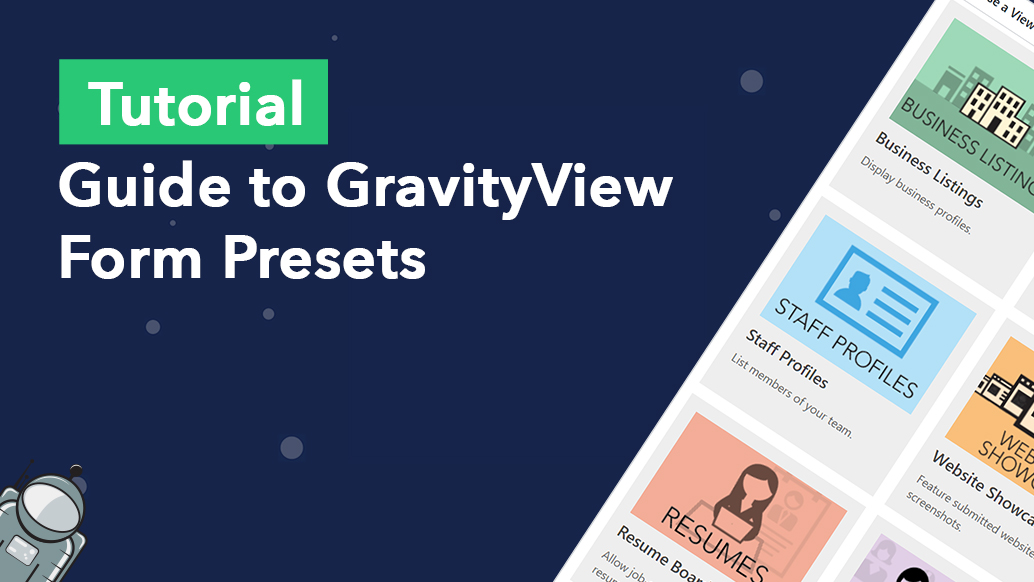
Guide to GravityView Form Presets
When creating a new View in GravityView, you have to select a data source. The data source is where your View draws its data from for displaying on the front end. But what if you haven’t created a form yet? Or you’re planning to…

New Release: Introducing Auto-Update for DataTables
We’re pleased to announce a new feature release for the GravityView DataTables layout: Auto-Update! Enabling the new “Auto-Update” feature means your DataTable will refresh its data automatically on a schedule that you set (e.g. every 5 minutes). This is game-changing if you’re looking to…

Helpful tips right in your inbox.
Subscribe to get the latest articles, information on releases and helpful Gravity Forms tips!