
Add a GravityCalendar to Apple Calendar
In this article, we’ll show you how to sync an existing GravityCalendar with your Apple Calendar. This means that all events on your GravityCalendar will also show up on your Apple Calendar.
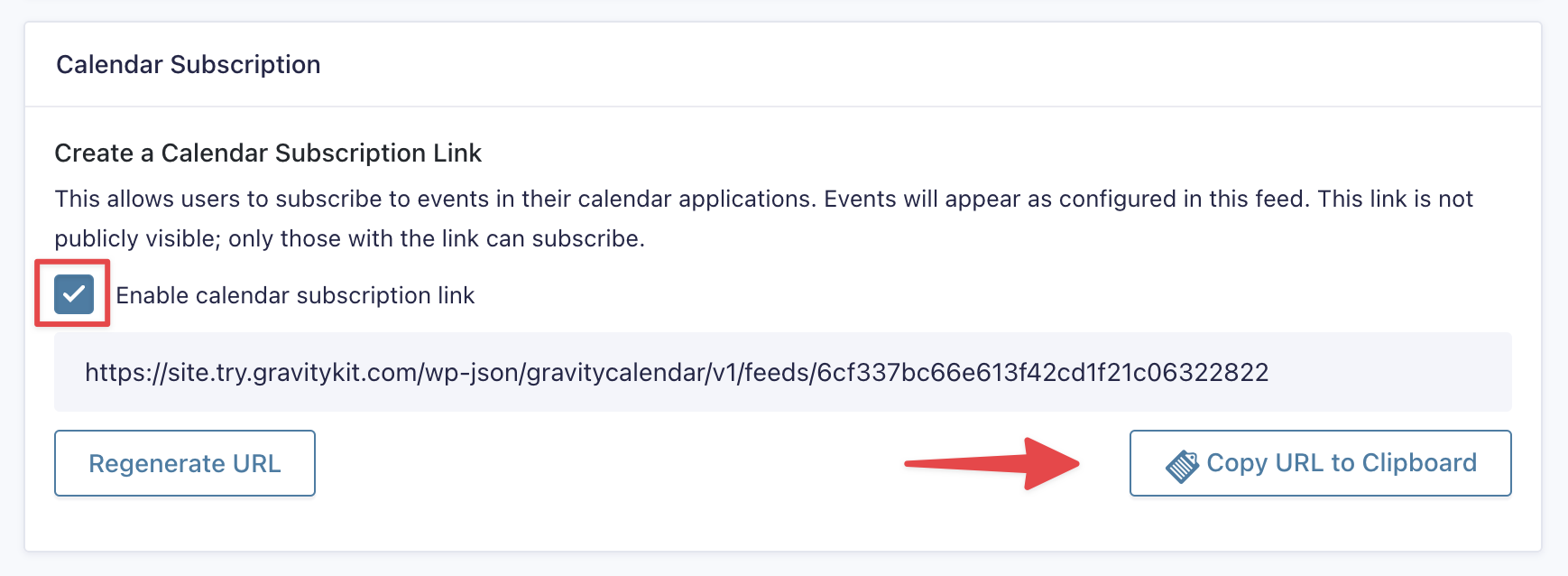
The first step is to enable the “calendar subscription link” feature in your existing GravityCalendar feed.
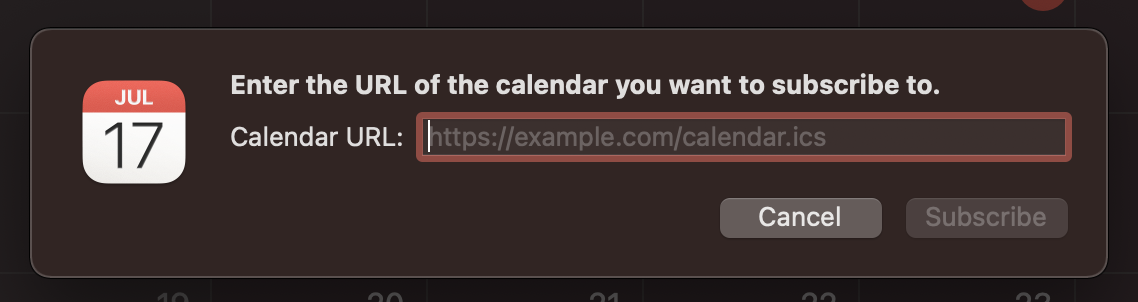
Now, head over to your Apple Calendar, click “File” and then “New Calendar Subscription”. Paste your GravityCalendar subscription link into the box and click “Subscribe”.
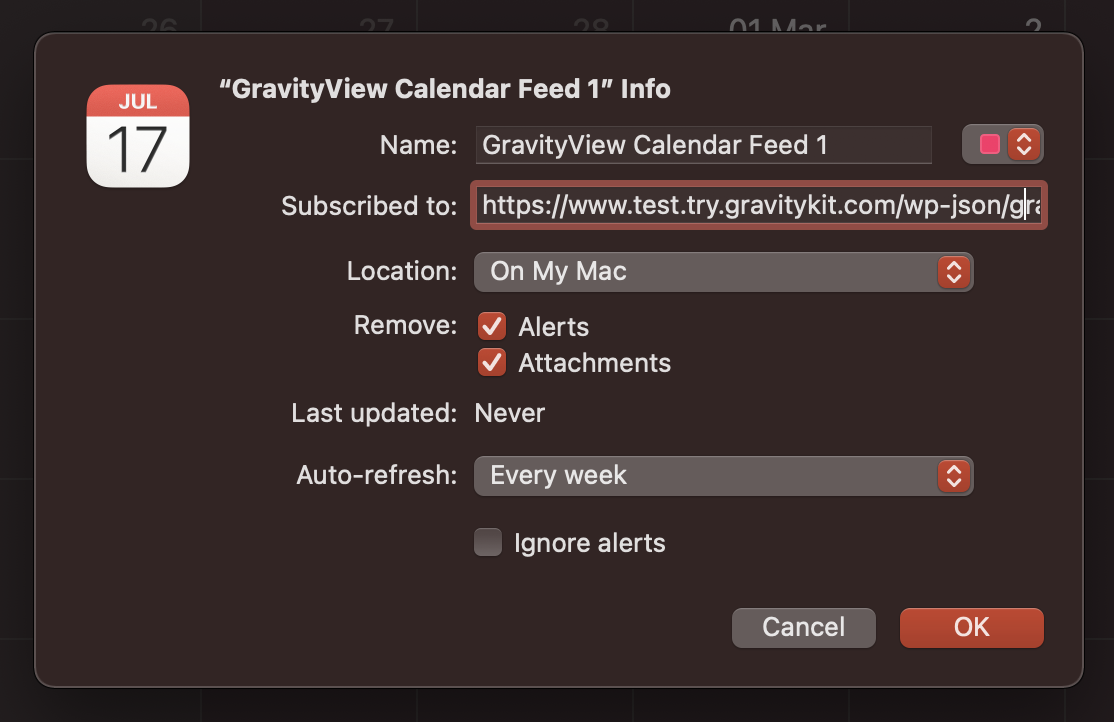
 Now, you can configure the calendar settings, including how often you want the calendar to auto-refresh. When you’re done, click “OK”.
 That’s it! Your GravityCalendar will now sync with your Apple Calendar.

