
Responsive (DataTables Setting)
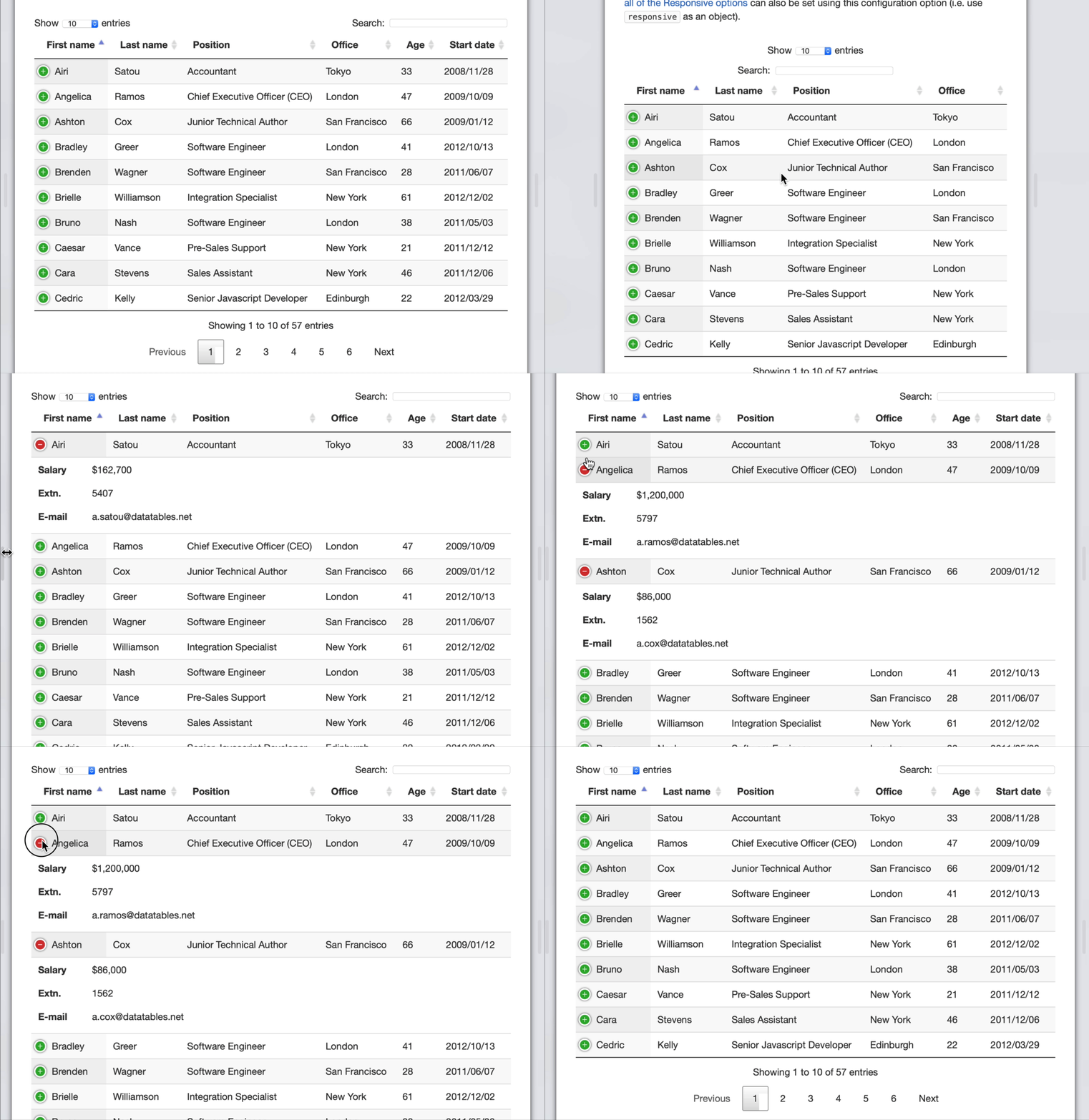
The “Enable Responsive Tables” setting allows the View to hide additional columns behind a + sign, thus preventing your users from having to scroll horizontally to see the rest of the columns on your table.
Where this setting exists #
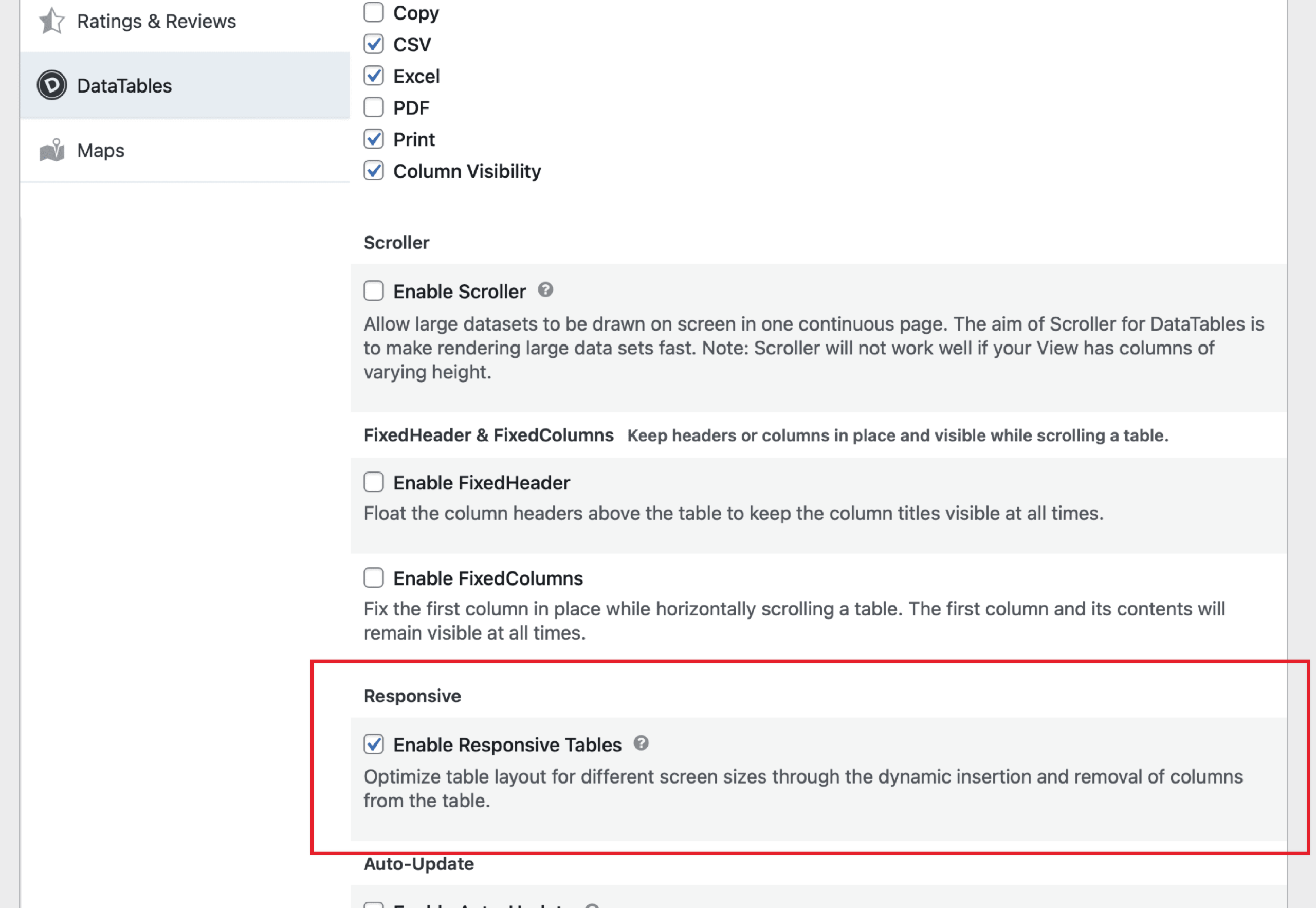
You can enable it inside the DataTables tab inside the GravityView Settings area.
This setting is called “Enable Responsive Tables”.
How it works #
Responsive Tables measures the available width of the browser window. When the table is too wide to fit, it hides columns starting from the right and puts them behind a + icon that visitors can click to expand. If the window is wide enough for all columns, no columns are hidden and no + icon appears.
This means the same View can look different on different screens. A laptop with a wider display (or lower display scaling) may show all columns, while a narrower screen hides some behind the + icon. This is expected behavior, not a bug.
If you want the layout to be identical on every screen
Disable the “Enable Responsive Tables” setting. The table will always show all columns, but visitors on smaller screens will need to scroll horizontally.

