
What are “Search as map moves” and “Redo search in map”?
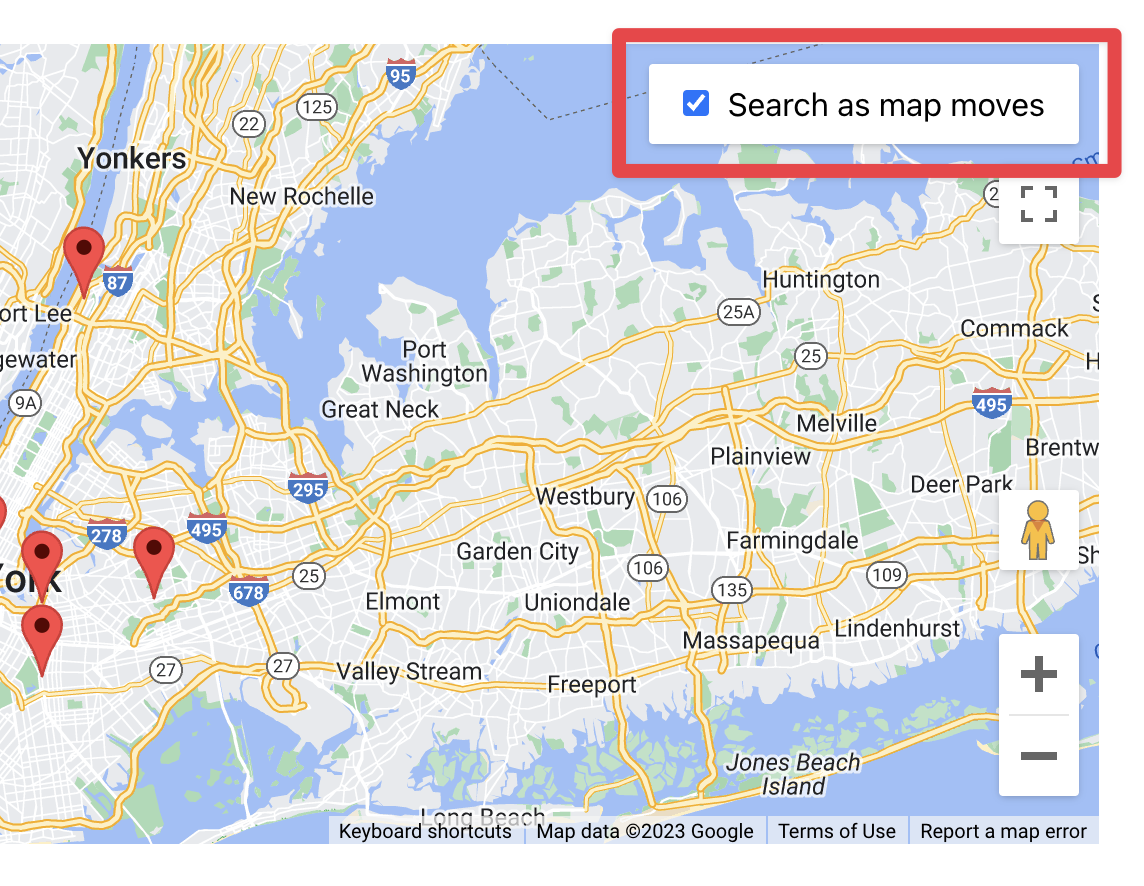
At the top right of the map, you’ll either see a button that says “Redo search in map” or a checkbox that says “Search as map moves”. In this article, we explain what this refers to.
Search as map moves #
When this checkbox is checked, the entries in the View below the Map will update in real-time as you click and drag the map to new locations.
Redo search in map #
When you click “Redo search in map”, the map will refresh to include any entries that are within your current map window. This is helpful if you have just performed a geolocation search but want to scroll to a different area of the map to check if any entries are located there.
Was this page helpful?


Table Of Contents