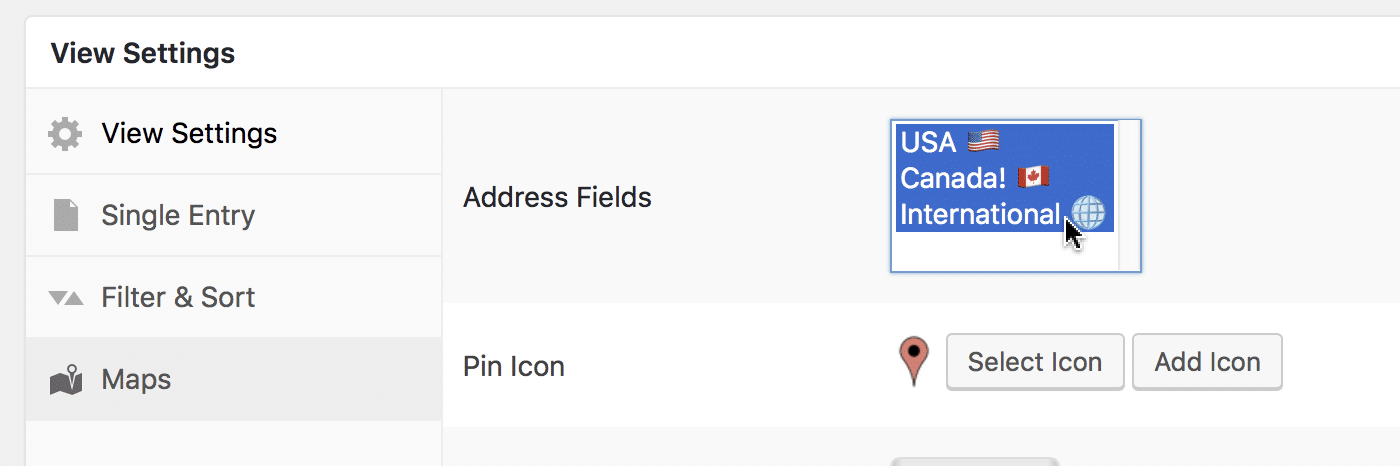
How to show markers from multiple address fields on a map
GravityView Maps can display markers for more than one address field. This allows you to put multiple markers on a map for a single entry.
If a business has 10 locations and you have 10 address fields, you can show all the locations at once!
To display markers for a multiple address fields, click on a field name #
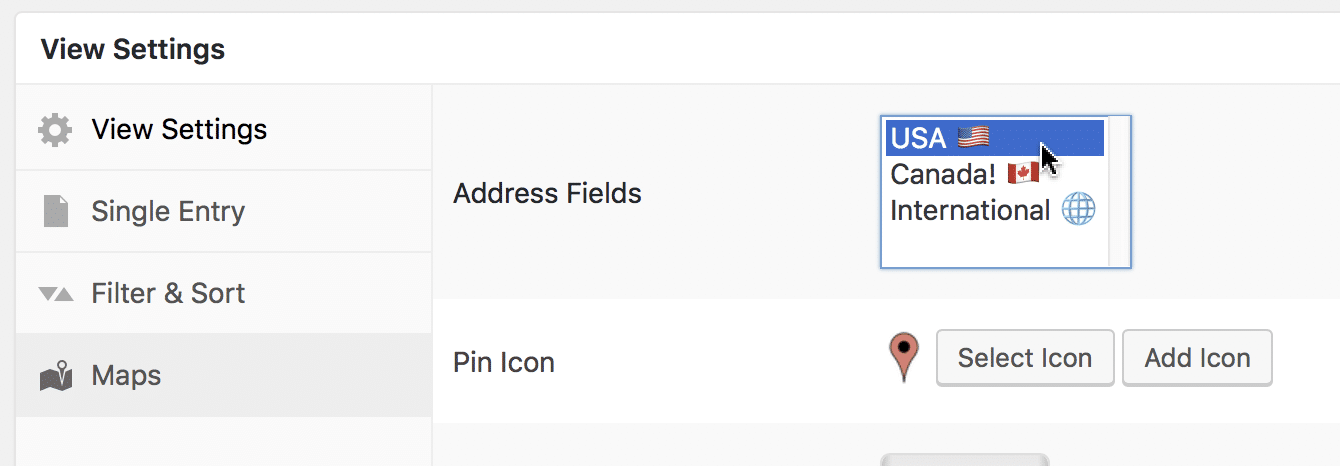
Hold down the Shift key on your keyboard, then click on the last address field you want to select #