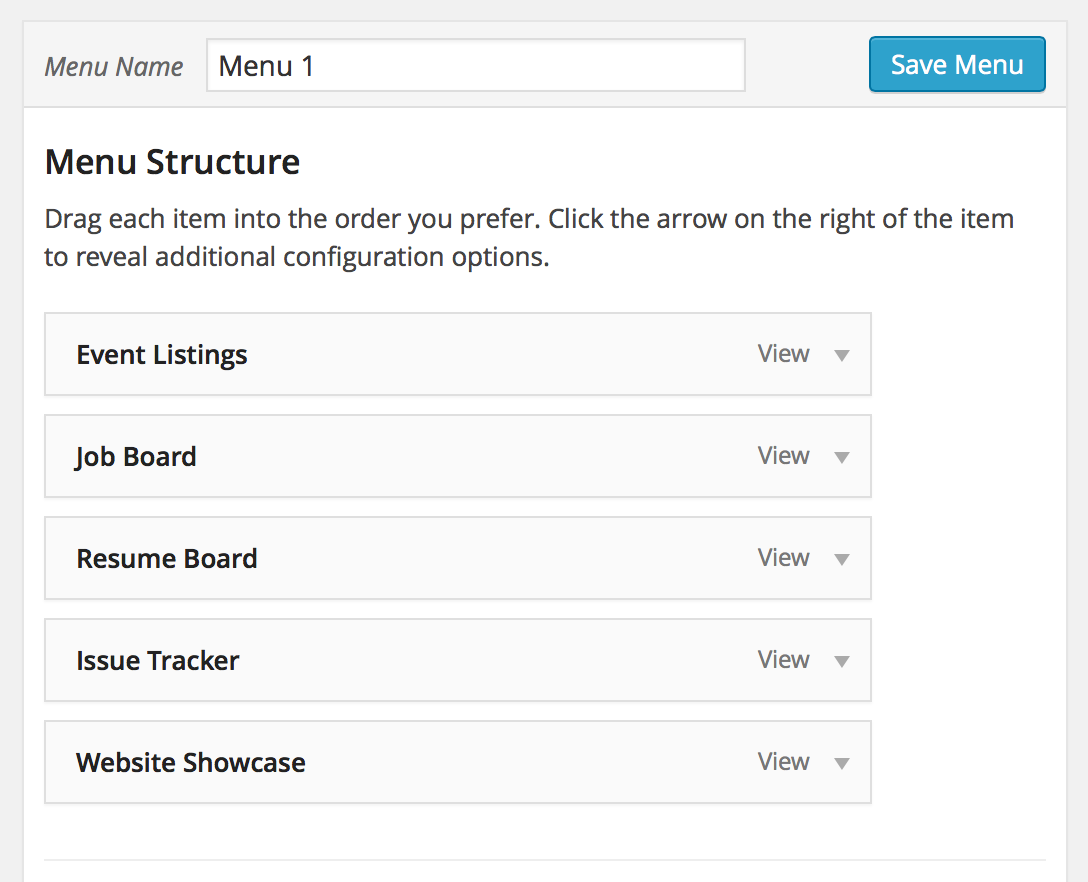
Adding Views to WordPress menus
Here’s how to add Views to your WordPress menus.
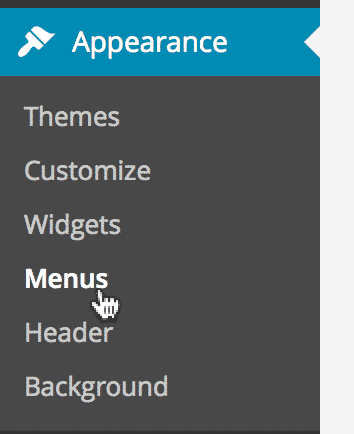
Go to Appearance > Menus #
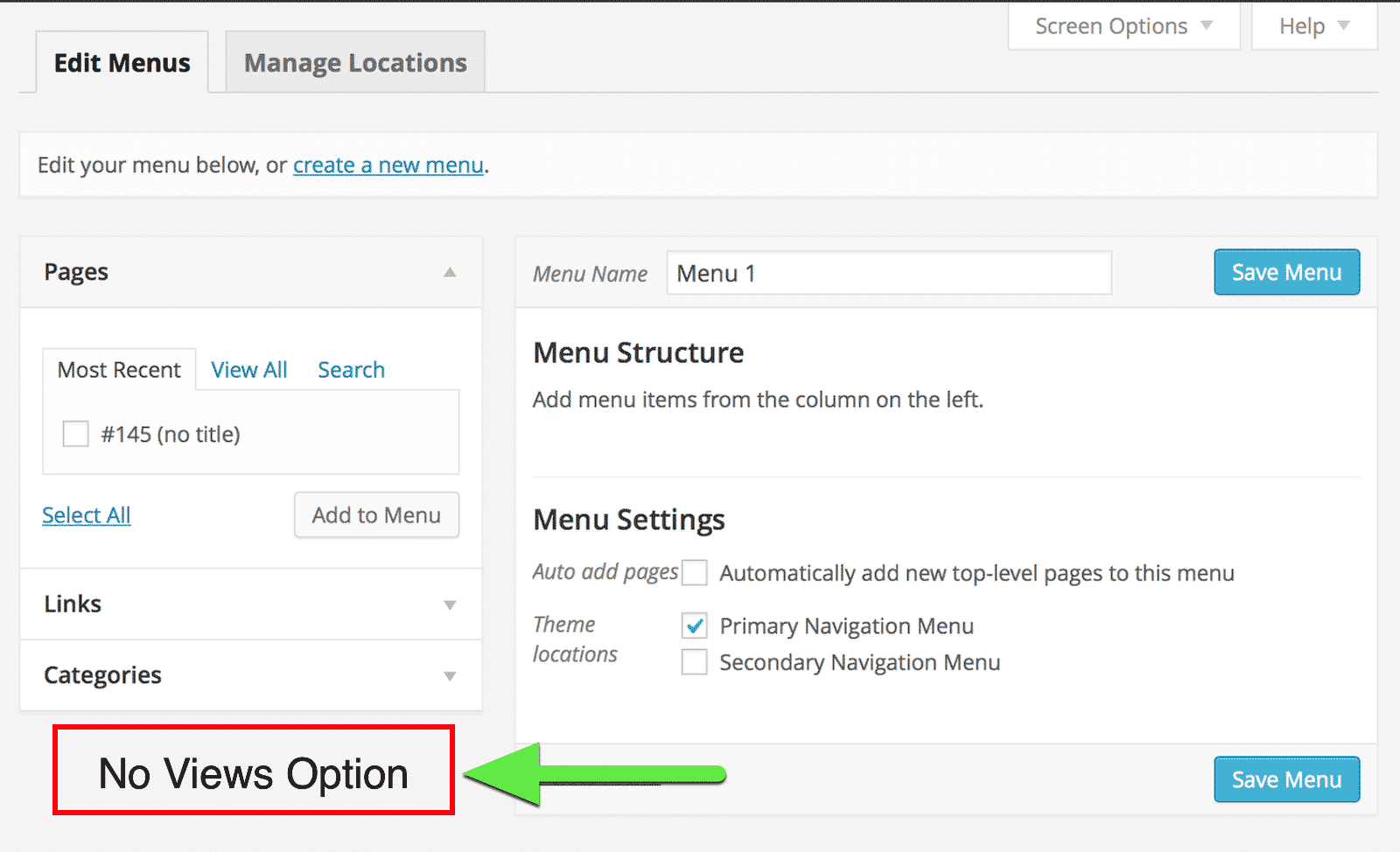
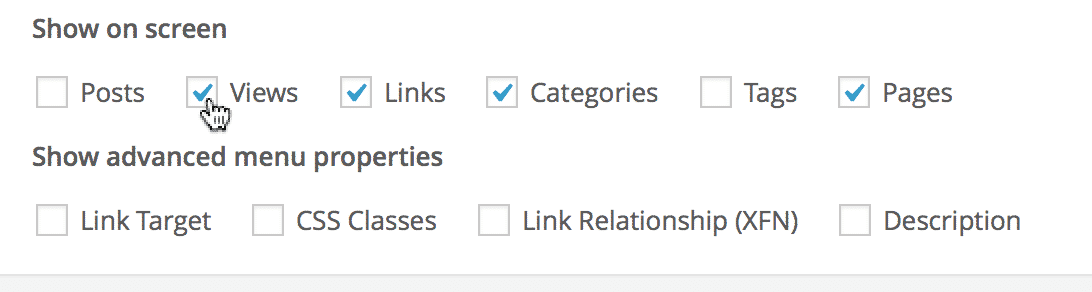
If Views are not visible in the sidebar #
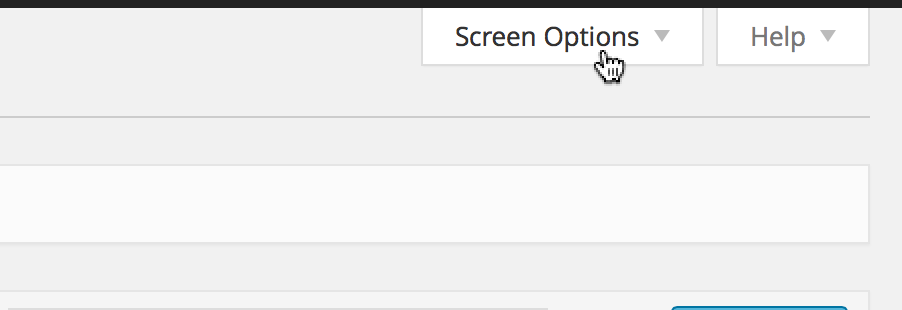
Click “Screen Options” tab #
Located in the top-right of your screen.
Check the Views checkbox #
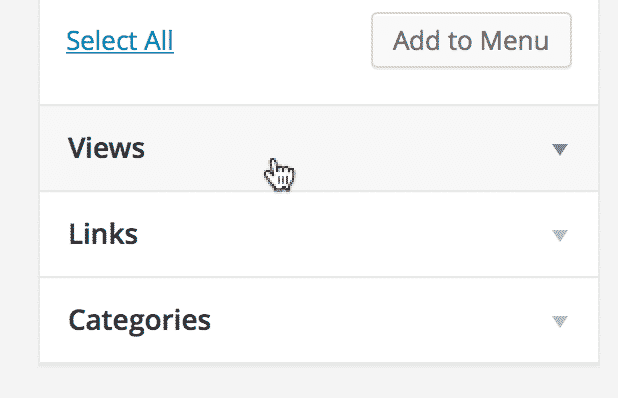
Click on the new Views option #
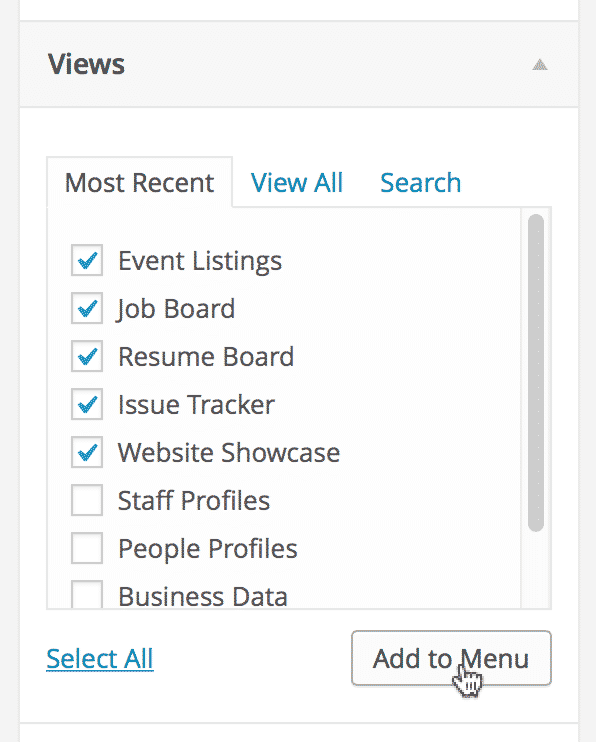
Check the Views you want to add to your menu and click “Add to Menu” #
The Views are now added as links in your menu #