Turning off the Show Search Bar default search field
If you want to disable the search filter in a DataTables View, read this article: Disable DataTables Search Filter.
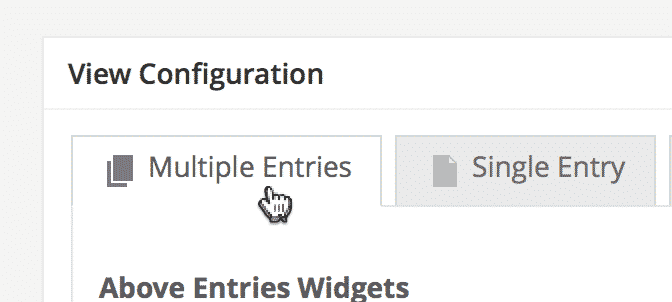
Click the Multiple Entries tab #
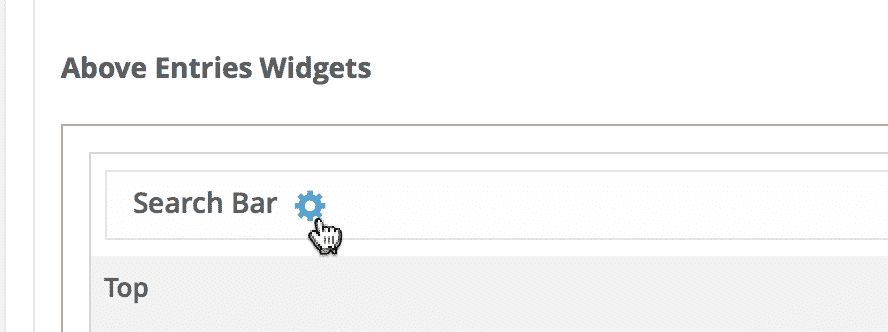
Click the gear icon next to the Search Bar widget #
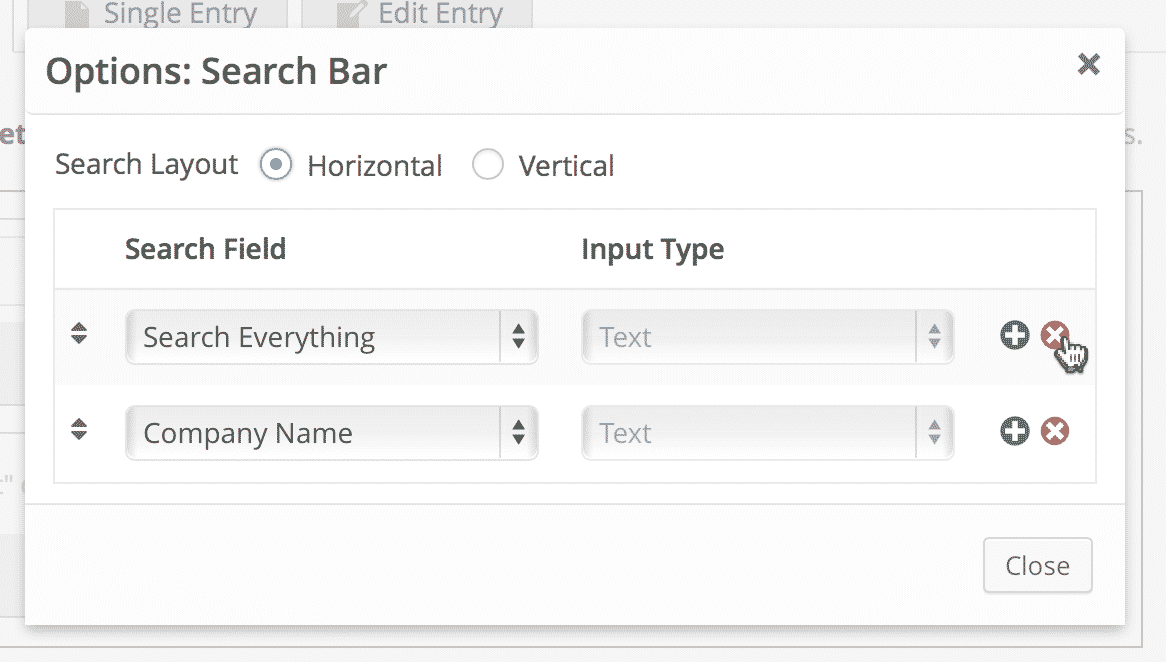
Click the “X” icon next to the Search Everything option #
This removes the search field that searches all entries.
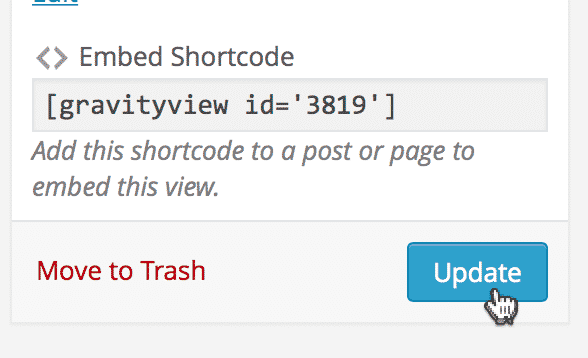
Click “Update” to save your View #